This is, to this day, the most complicated and rewarding project of my career. We worked as a team of two designers and one lead strategist, and our objective was to explore and push the limits of what Artificial Intelligence could do when used to its full potential. The piece you'll read here is one of the many usecases we worked through in 2023. This is a project that would have been impossible to work on alone; the partnership between Kaeli Simmons and Matt Walton was crucial to the delivery of this amazing work.
When we think about the way online experiences evolved so far and what we can expect with the insurgence of Artificial Intelligence, there is a visible line dividing how people search for information. We can break these into three key moments:
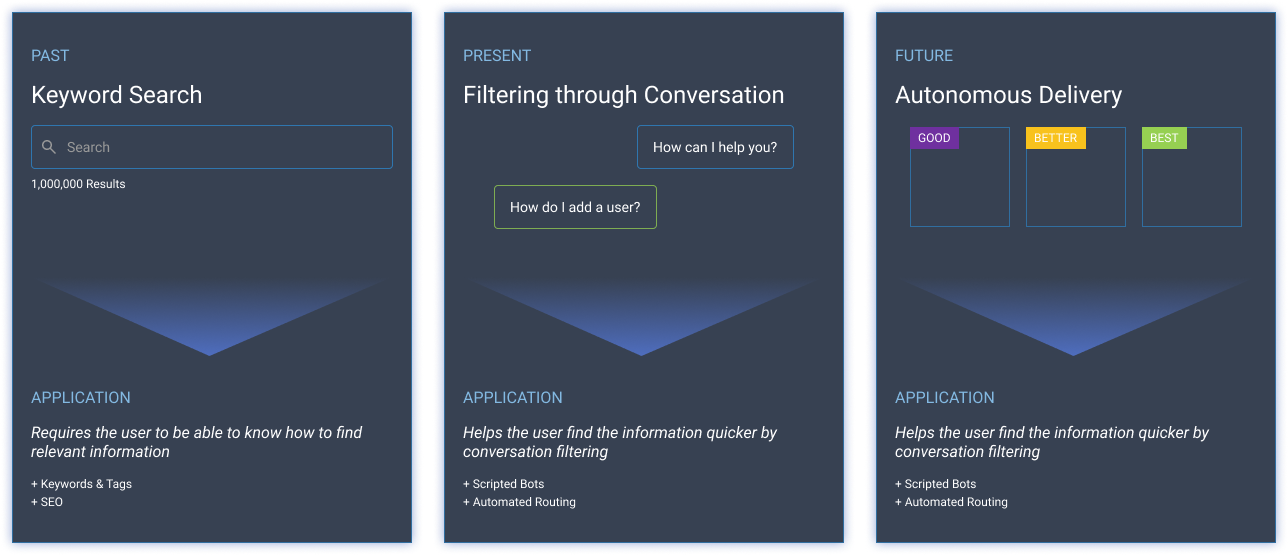
The pace of technological advancements is rapidly increasing, offering incredibly innovative solutions that can achieve tasks that once required a large team - take for example LLMs, video generation, personalized recommendation, no-code application, etc.
Goldman Sachs says that over the next 10 years, AI could increase productivity by 1.5 percent per year. And that could increase S&P500 profits by 30 percent or more over the next decade.
To build the future of connection, we need to redefine how browser navigation works, bringing other systems closer to it.
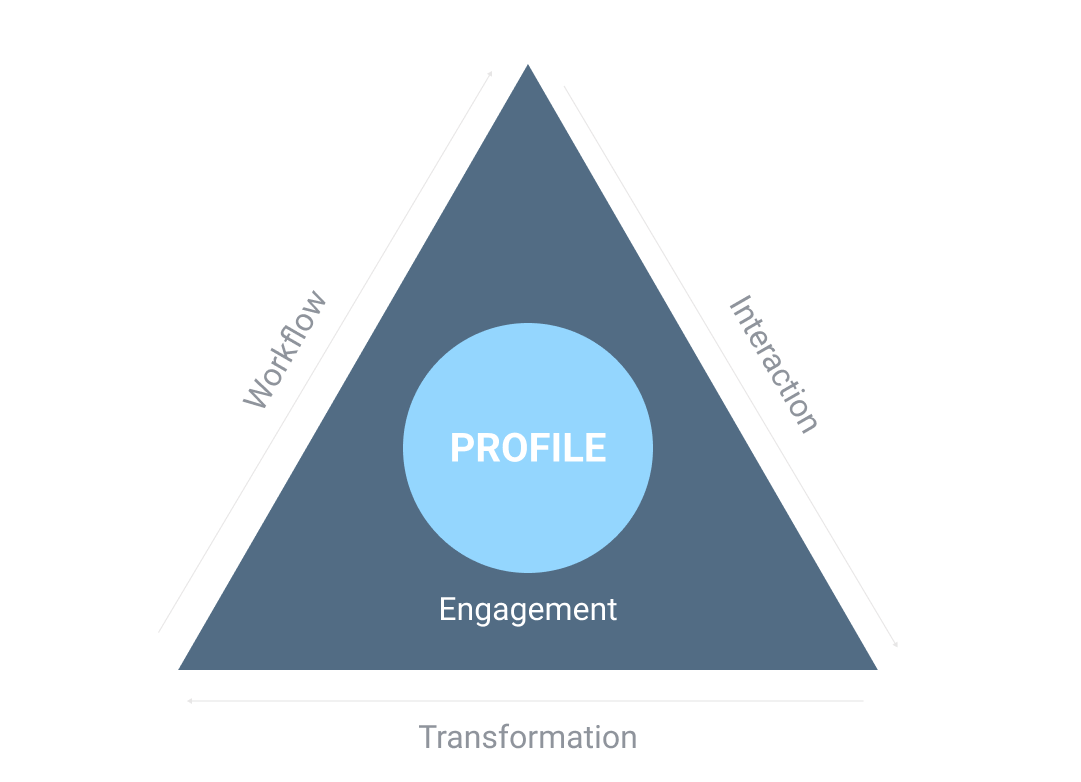
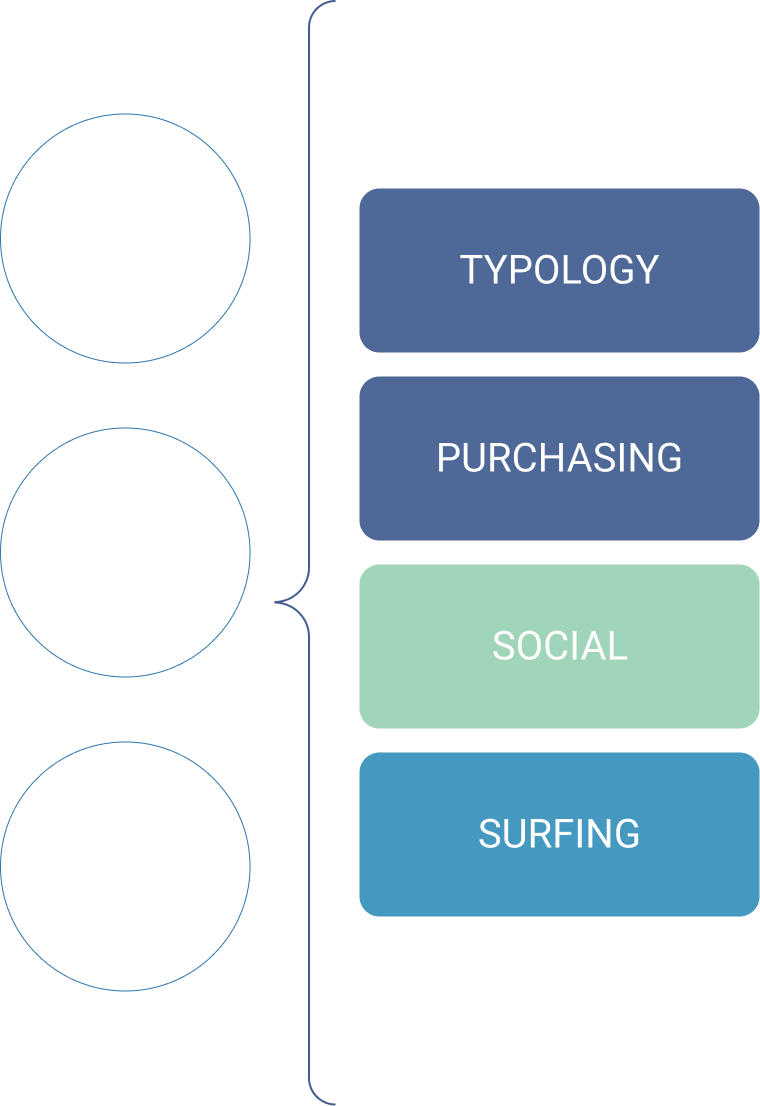
The greater the data density, the greater ability to continuously engage.
What is an amorphous profile?
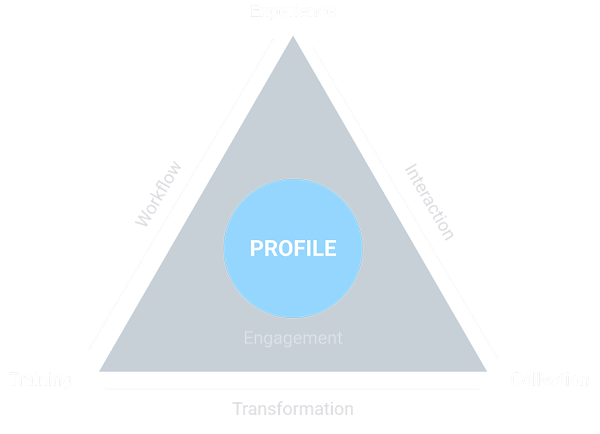
At the center of the system are the pattern profiles. Patterns are derived from baselines in the system, which are used to compare and match against new data. Based on the match percentage, the system determines which course of action to take.
These patterns can reside at various levels within the organization, including corporate, user, and workflow levels. In user patterns, patterns are continually informed by historical behavior, data from other patterns with attributes (people like me), or even, sometimes, a base set of rules. (roles & permissions), and real-time interaction with the system (e.g., location, time).
We refer to the pattern as the amorphous profile because it continually evolves.
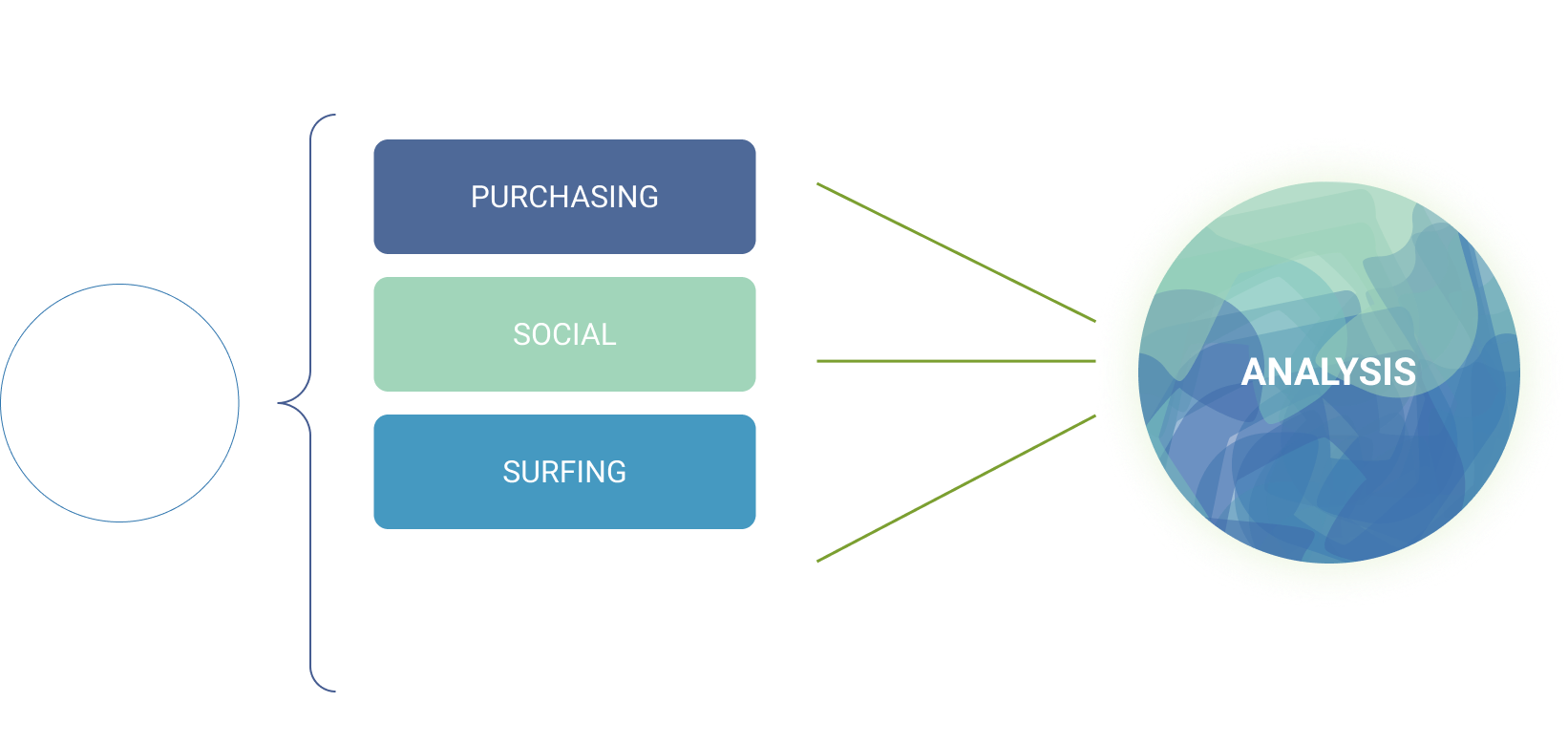
Generating a profile consists of 6 core parts.
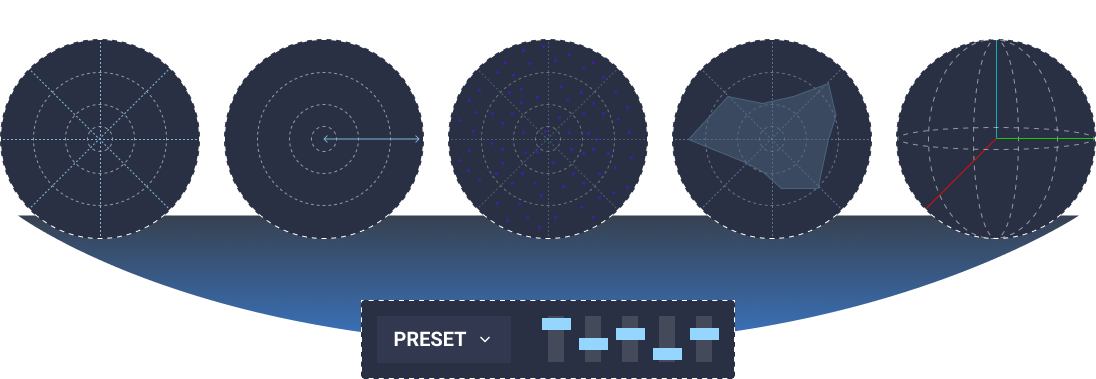
I won’t go into the details of how these attributes work in this piece (but you can reach out to me if you want to know more). These attributes are important because they create the base of what we call the Digital Twin.
The essence of a participant’s traits, behaviors, and patterns is distilled into an AI-driven virtual twin that participates in a continuous AI-driven simulation experience.
The profile and attributes of a real-world participant are mapped to key attributes within the virtual persona during user configuration.
You may wonder, how will this transform our customer experience?
The answer lies in building a personal IT assistant powered by connected AI, delivered through continuous interaction & engagement.
Here are the core elements that made this integration possible:
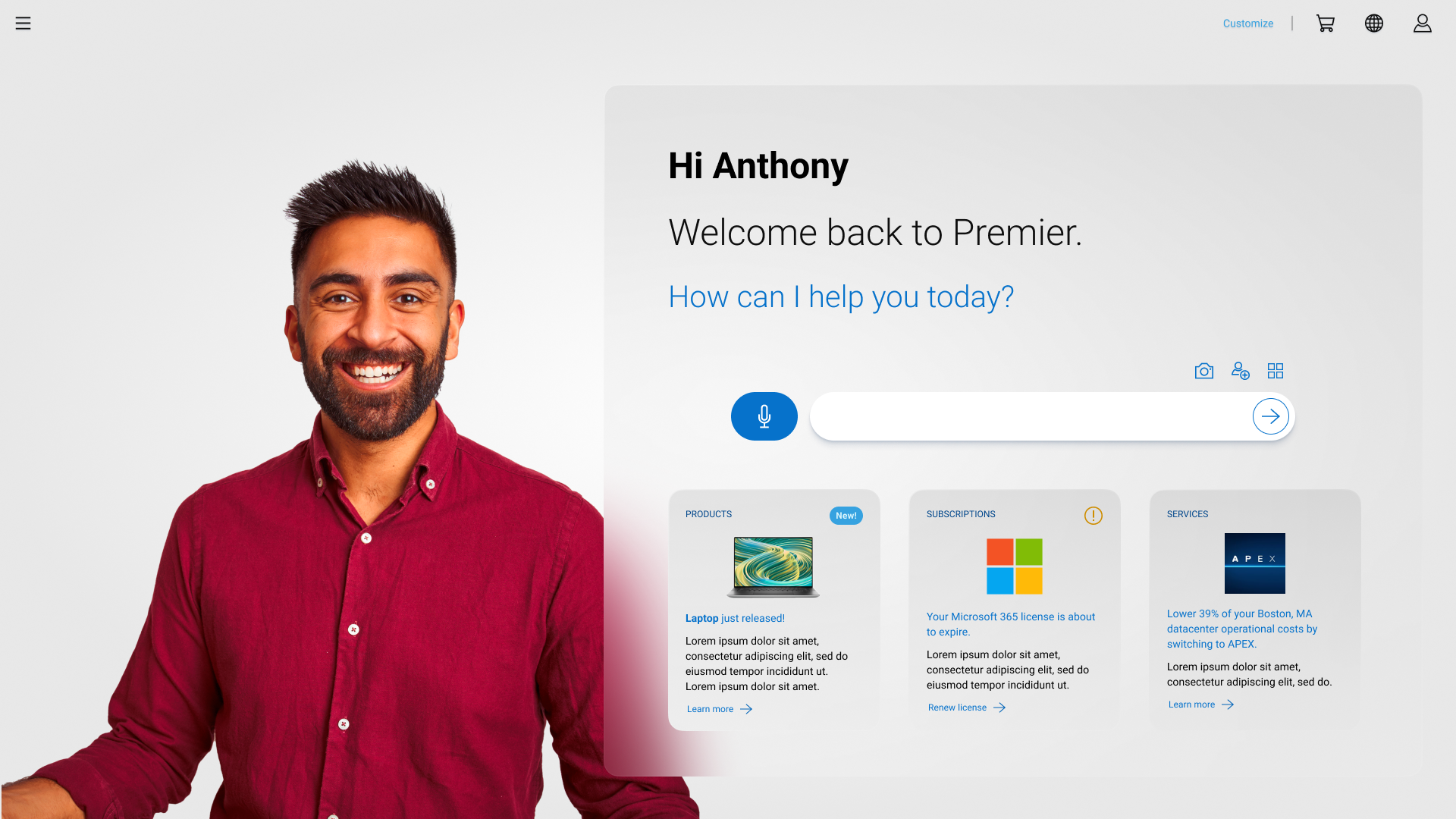
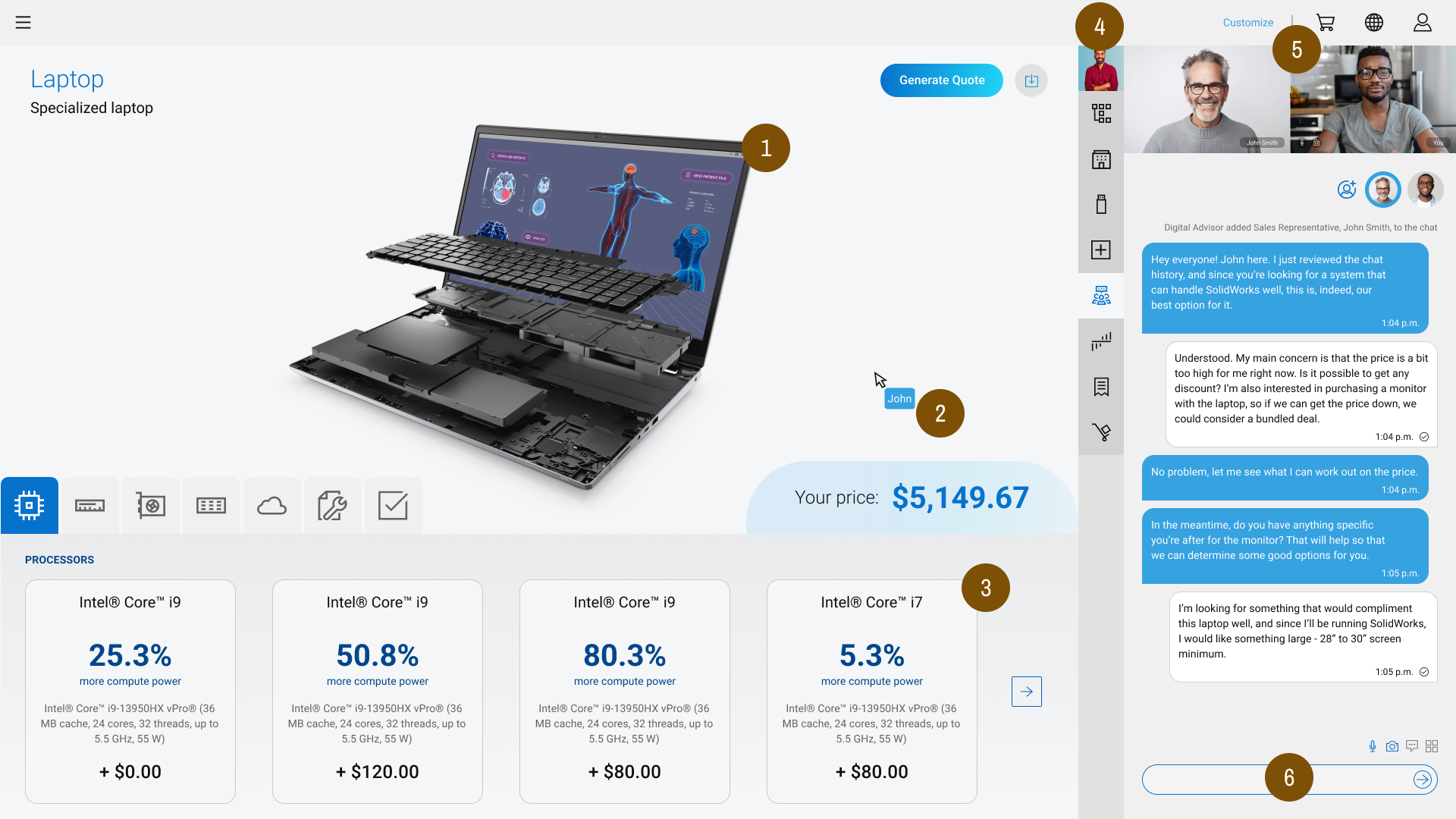
Every user interaction within the system informs the profile, determining and surfacing user-specific functionality. To start, a broad set of functionality surfaced as the user began using the system (such as rules). As the user interacts with the system, the functionality becomes more focused on the features with the most interaction. Also, the system will utilize informational and clarification responses. The interface must align with the user’s behavior to provide the user with further insights. This also removes the need for complex navigation structures.
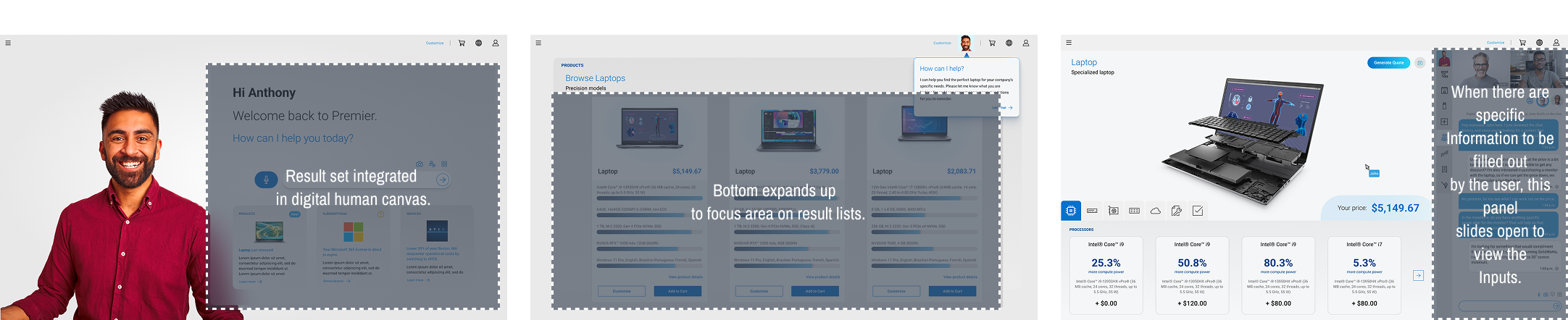
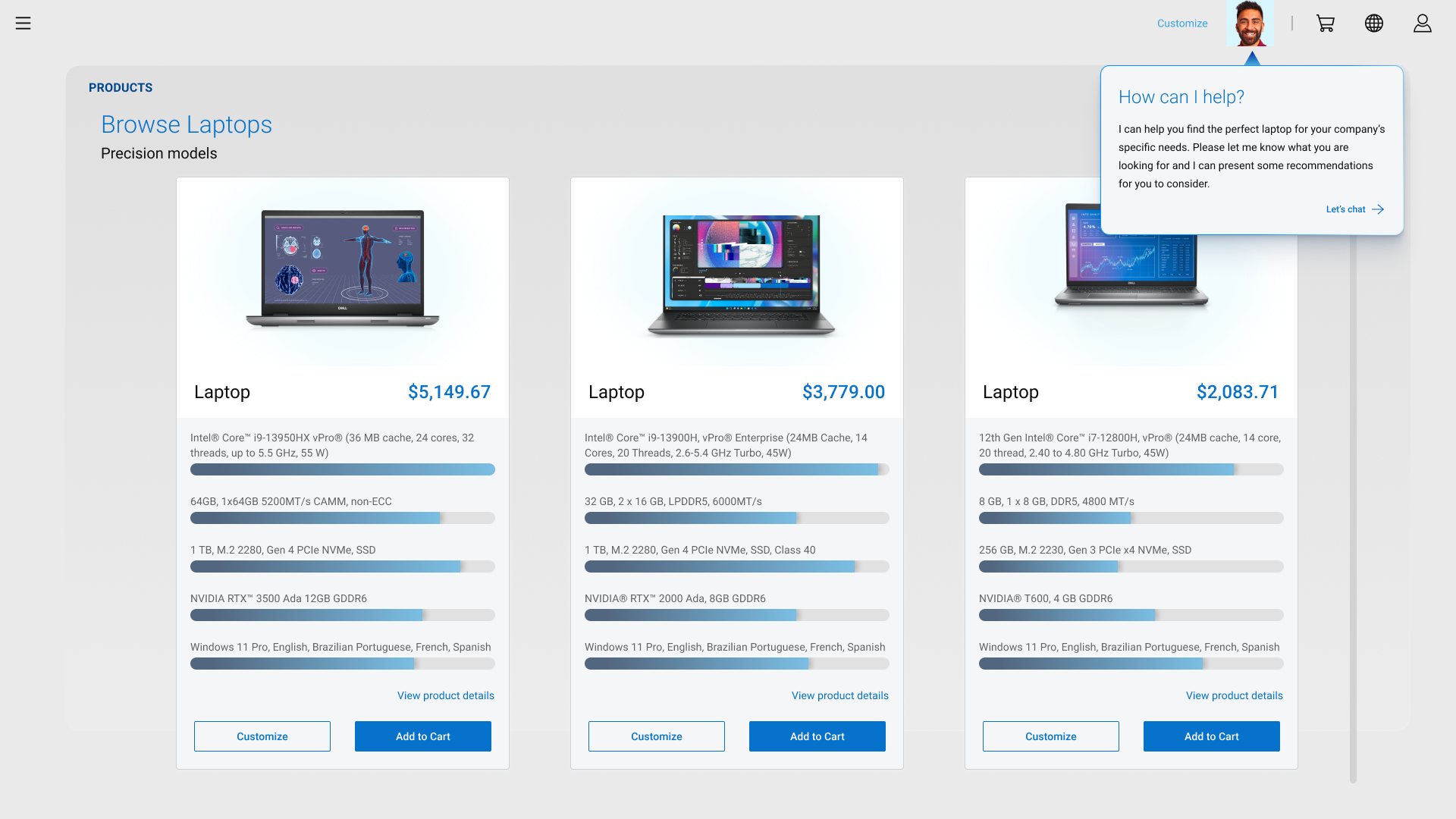
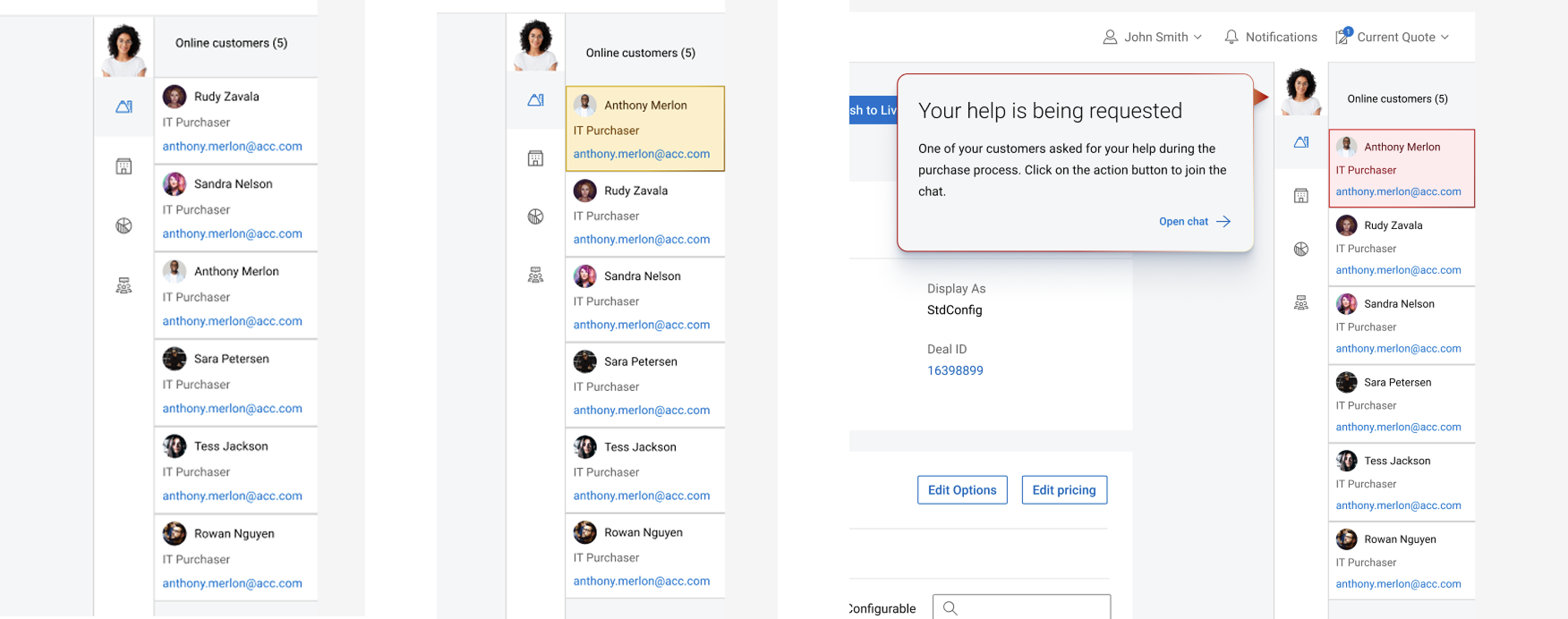
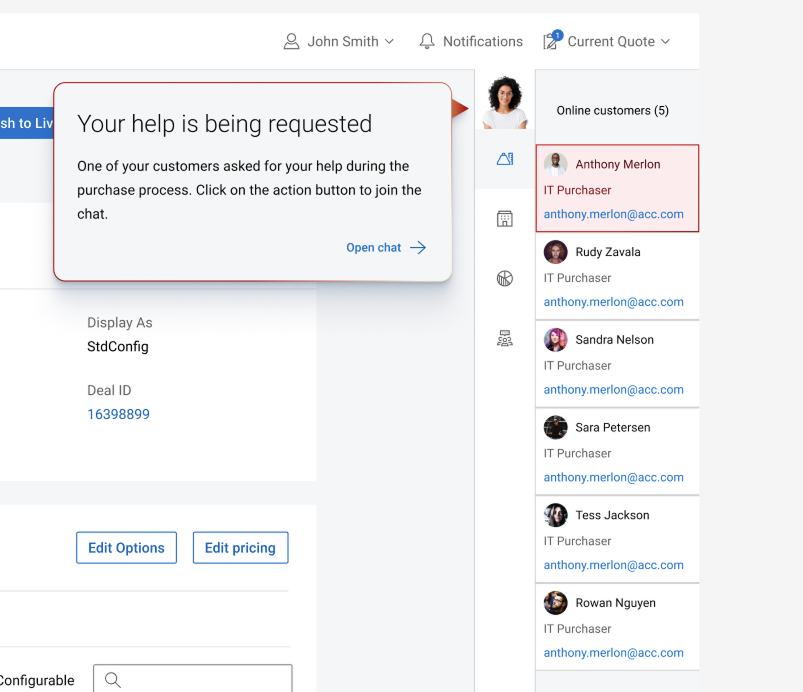
For sales agents, the AI assistant even gives additional help. If a user requests further assistance or a subject is better handled by a human, the AI can identify which sales agent is responsible for that user and trigger a notification so the human agent can get in touch with the user when help is needed.
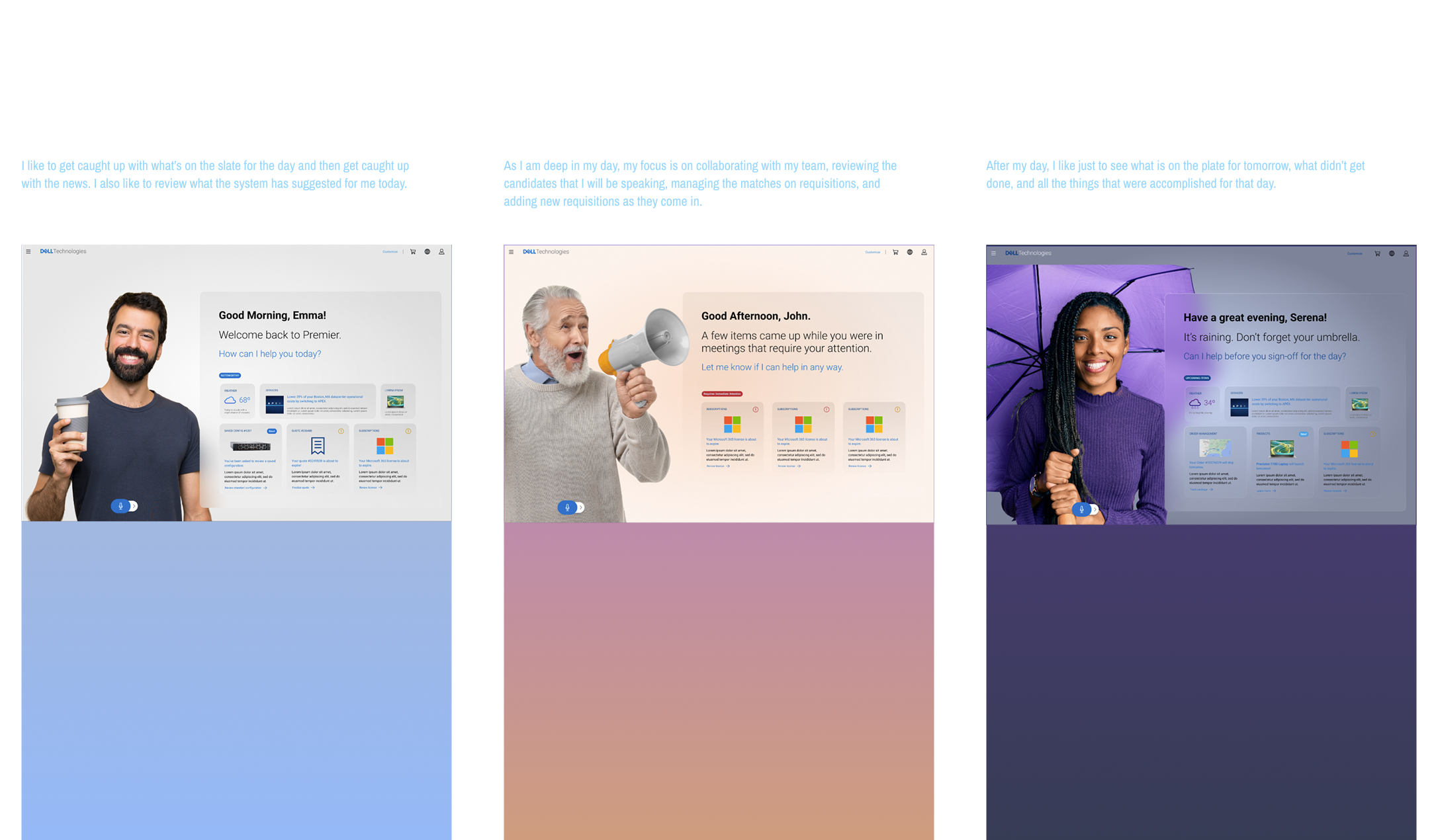
Here's a list of features that we think make this experience amazing:
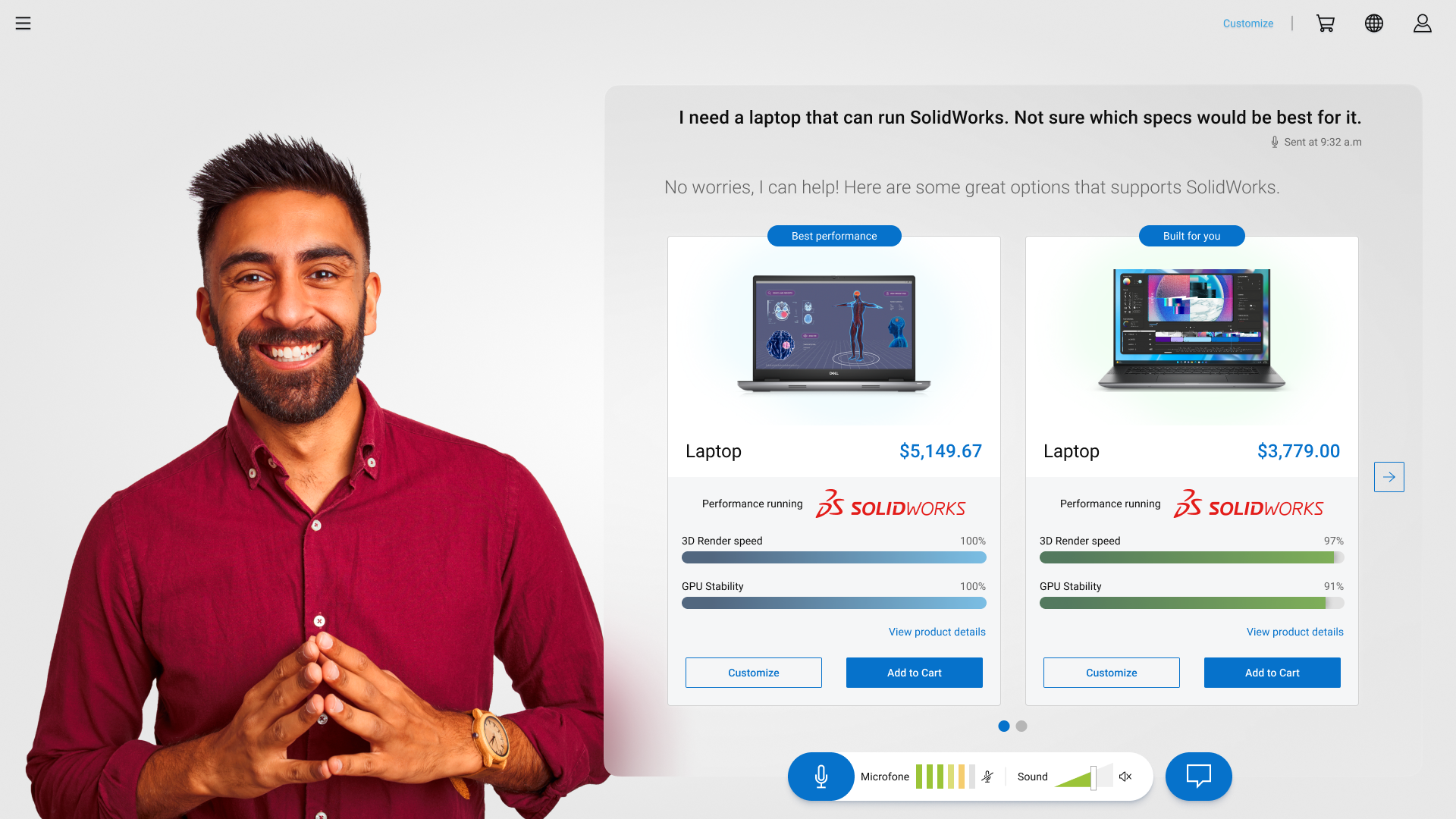
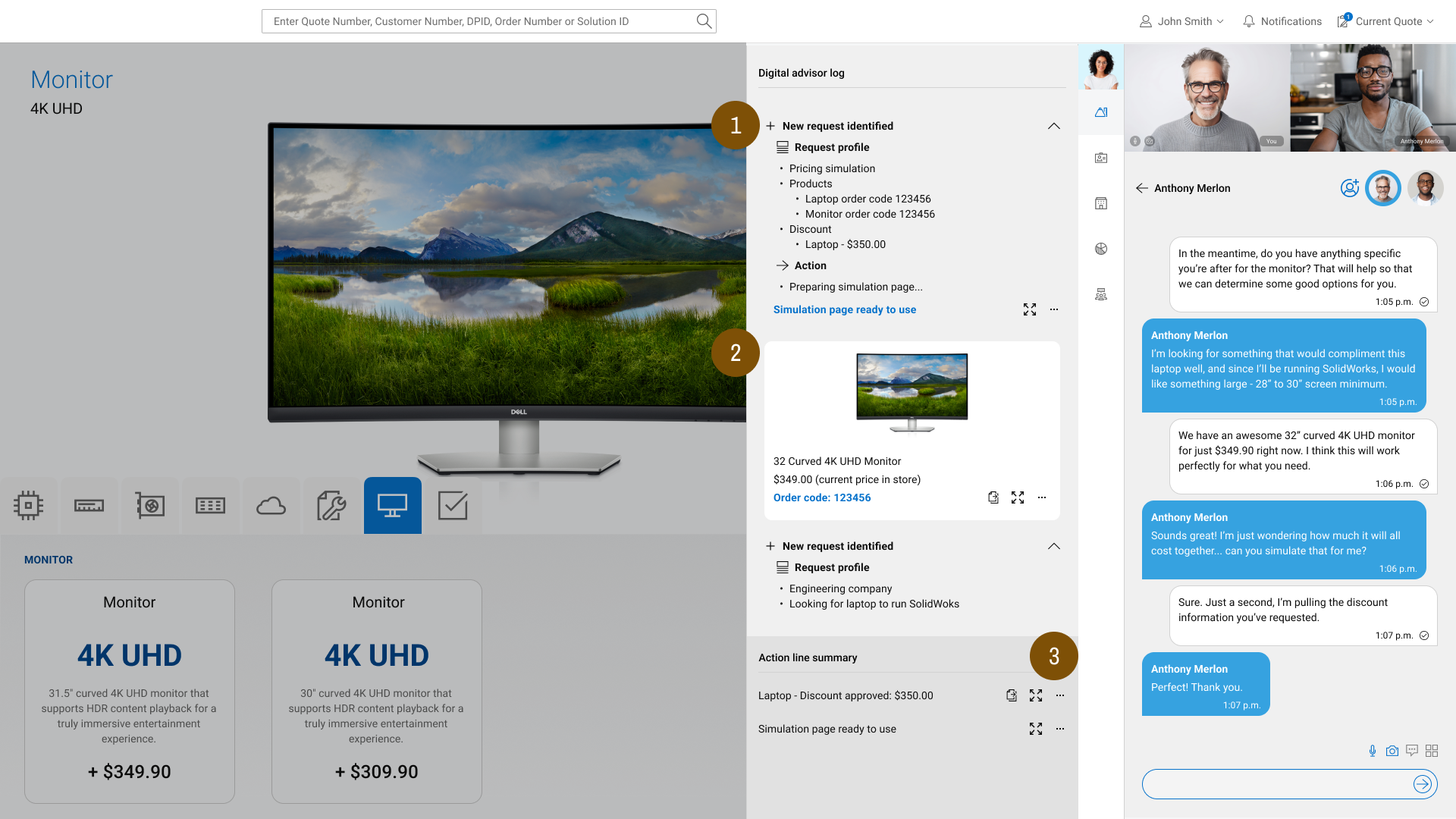
As you navigate and request specific products or services, the assistant will cross-reference the information it has about you and find the best match between your profile and what you’re looking for.
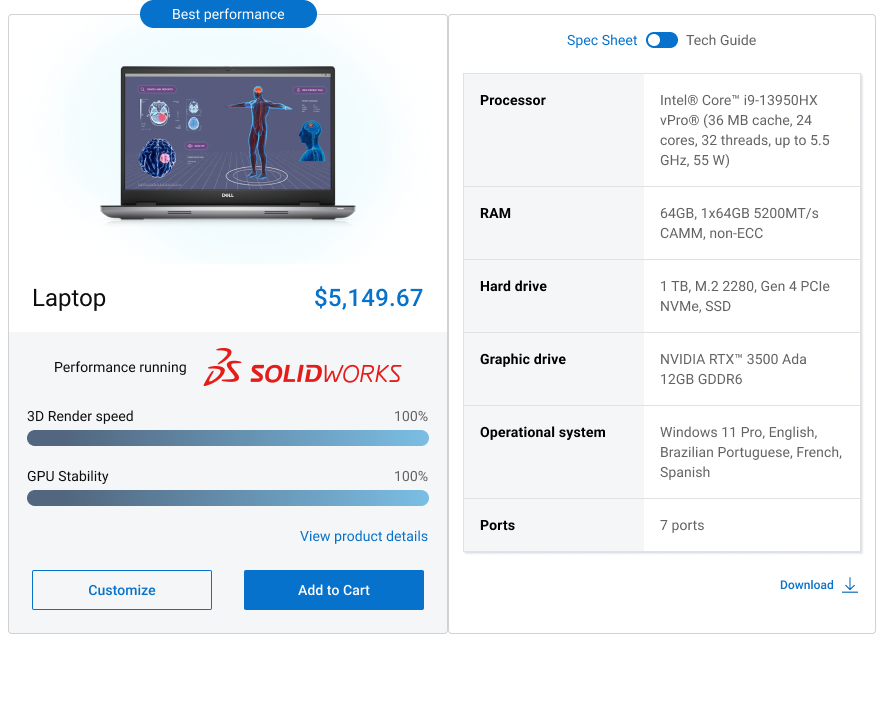
In order to convey that information in a good way to the user, metrics will be displayed - and noticed that those metrics will be chosen depending of the context of the request, so for example, if the user is requesting for a laptop to run SolidWorks (which requires a lot of GPU power), it will give you metrics about rendering and stability.